




Campaign Management Template
Plan, Execute, and Optimize Campaigns in One System
The campaign management template gives your team a single place to manage campaign workflows, coordinate execution, and respond to results as they happen.
-

Plan campaigns across channels
-
Assign tasks and ownership
-
Track execution in real time
-
Connect performance to action


Campaign Management Is More Than a Plan
Campaign management doesn’t stop at planning. This includes both structured planning and ongoing execution work that evolves as campaigns run.
Teams are responsible for keeping campaigns moving from kickoff through optimization:
Aligning timelines and deliverables
Assigning and managing work
Coordinating across teams and channels
Tracking execution progress
Adjusting based on performance
When this work is split across tools, execution slows down, and campaigns lose momentum. Teams spend more time managing systems than advancing campaigns.
Why Campaigns Lose Momentum After Launch
Campaigns often stall after launch because execution isn’t connected to ownership or performance.
Teams run into the same issues:
Work Is Spread Across Tools
Planning, execution, and reporting live in different systems.
Ownership Is Unclear
Tasks exist, but accountability doesn’t.
Performance Doesn’t Trigger Action
Insights are reviewed, not acted on.
Optimization Cycles Are Too Slow
Teams react weeks after issues appear.
Without a connected workflow, campaigns become harder to manage and slower to optimize. Over time, small execution gaps turn into missed opportunities.
Built for Continuous Campaign Execution
Campaigns don’t follow a straight line. They require constant coordination, tracking, and adjustment.
The campaign management template helps teams:
Connect planning to execution, which keeps work moving
Assign clear ownership, ensuring tasks don’t get lost
Track work in real time, keeping teams aligned
Respond to performance faster, improving campaigns while active
Instead of waiting until the end of a campaign, teams can make changes as results come in. This reduces delays and helps teams maintain consistent campaign performance.
What’s Included in the Campaign Management Template
The template includes the core components needed to manage campaign planning, execution, and performance from one workspace.
Campaign Planning
Organize campaigns by:
- Channel
- Timeline
- Objectives
- Deliverables
Task & Workflow Management
Track execution with:
- Campaign tasks
- Ownership
- Deadlines
- Progress
Execution Visibility
Monitor campaign status:
- What’s in progress
- What’s blocked
- What’s complete
Performance-Driven Action
Connect campaign work to results:
- Dashboards
- Performance insights
- Optimization tasks
Each part of the workflow is connected so teams can move from planning to execution without friction. Work stays visible across teams, making it easier to identify delays and keep campaigns on track.
Solve Campaign Execution Challenges
Campaigns Stall After Launch:
Keep work moving with clear next steps.
Teams Are Misaligned:
Centralize execution so everyone works from the same view.
Slow Optimization:
Act on performance data faster.
Disconnected Tools:
Bring planning, execution, and reporting together.
These challenges don’t come from strategy gaps. They come from disconnected execution across systems and teams. Our template helps teams close those gaps and keep campaigns moving after launch.
A Practical Campaign Workflow Teams Can Follow
- Plan Campaign. Define goals, timeline, and deliverables.
- Assign Work. Create tasks and assign ownership.
- Launch Campaign. Execute across channels.
- Monitor Performance. Track results in dashboards.
- Optimize. Create tasks directly from insights.
The workflow keeps planning, execution, and optimization connected so teams can respond quickly and improve results while campaigns are live.
Why This Campaign Management Template Is Different
Most campaign management software focuses on planning or task tracking.
The template connects the full workflow:
Planning turns into actionable tasks
Tasks stay connected to performance data
Insights create new execution work
Instead of managing campaigns across multiple tools, your team works in one system where execution and performance stay aligned.
Who This Template Is For
- Marketing Teams: Execute campaigns with clear visibility.
- Growth Teams: Optimize performance faster.
- Demand Generation: Align campaigns with pipeline.
Frequently Asked Questions
A campaign management template helps teams plan, execute, and track marketing campaigns in one system.
By connecting planning, execution, and performance into one system.
Because execution is disconnected from ownership and performance insights.
Boost Team Results with Ready-to-Use Templates
Explore our collection of ready-to-use templates, carefully crafted to cater to the needs of multiple use cases and departments. Save time and effort by trying out the template that suits your workflow best. It only takes a few clicks to get started.
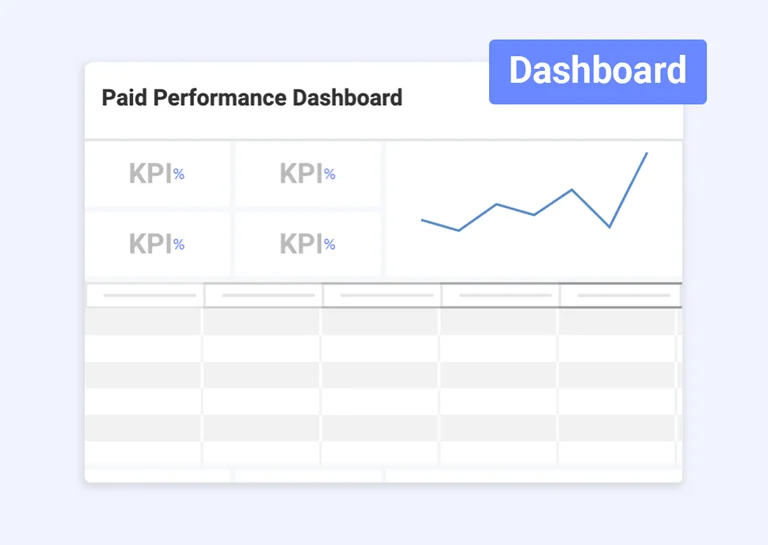
Paid Performance Dashboard Template
Track campaign performance, monitor key metrics, and visualize paid media results in real time.
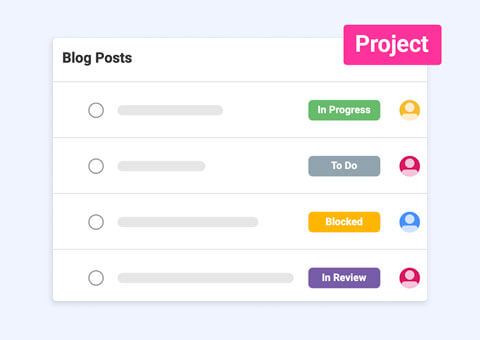
Content Calendar
Build your content calendar tasks and track content performance from a single platform with ease.
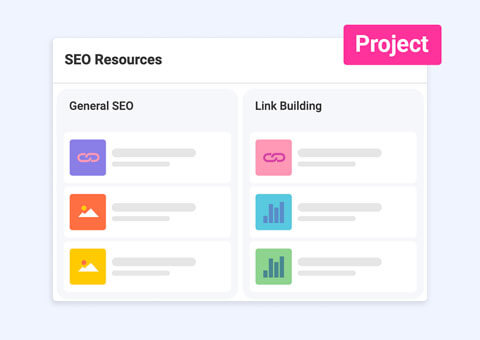
SEO Management Template
Manage and follow up on your SEO projects with this dashboard and project template.
Turn Campaign Plans Into Execution
Manage campaigns, coordinate teams, and optimize performance in one system.
Use Template Use Template Use Template